SpecialtyMeet

Meetings, simplified. A scheduling app that connects healthcare practices with the vendor representatives they want to see, on the practice's terms.

For practices

Your week at a glance

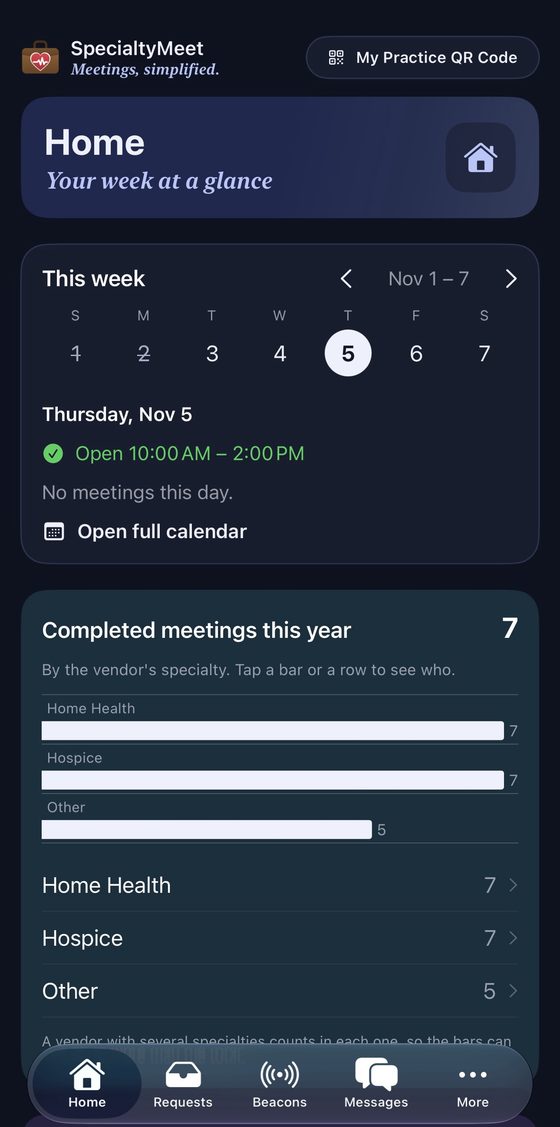
See today's meetings, the hours you're open to reps, and every week ahead in one place. Practices also see completed meetings by vendor specialty, so you know who's been in.

  • Approve, deny or suggest a different time in one tap
  • Fewer cold calls and unplanned drop-ins at the front desk
  • Free for practices
Practice home screen: this week, open hours and completed meetings by specialty

For vendor reps

Scan in, then book

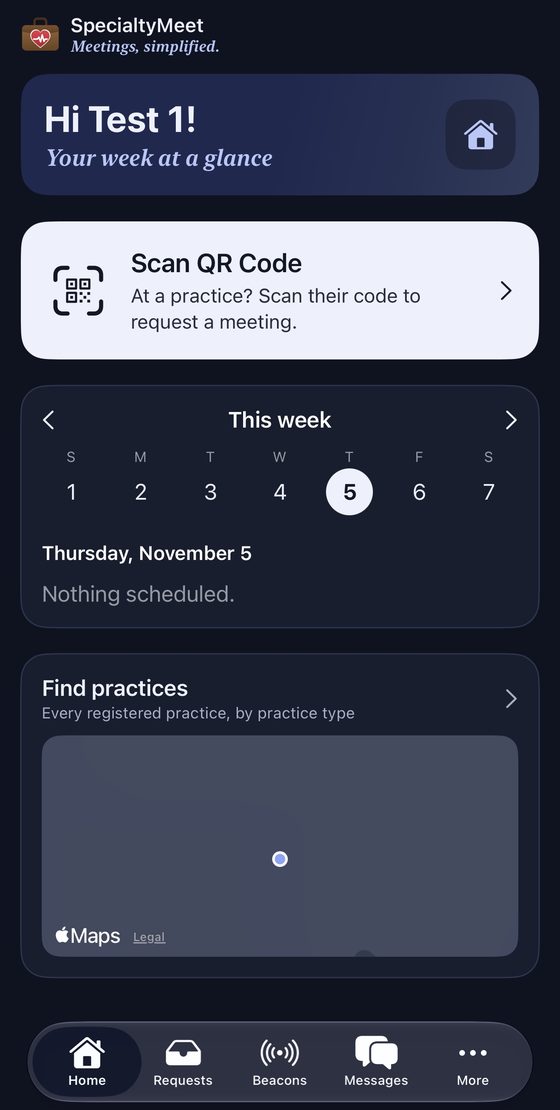
At the front desk, reps scan the practice's QR code to see its open meeting times and request a quick meeting or a Lunch & Learn. No phone tag.

  • Find practices on the map by practice type
  • See office hours and get directions
  • Chat with the practice once a meeting is approved
Vendor rep home screen with Scan QR Code and Find practices map

Beacons

Find the right rep, fast

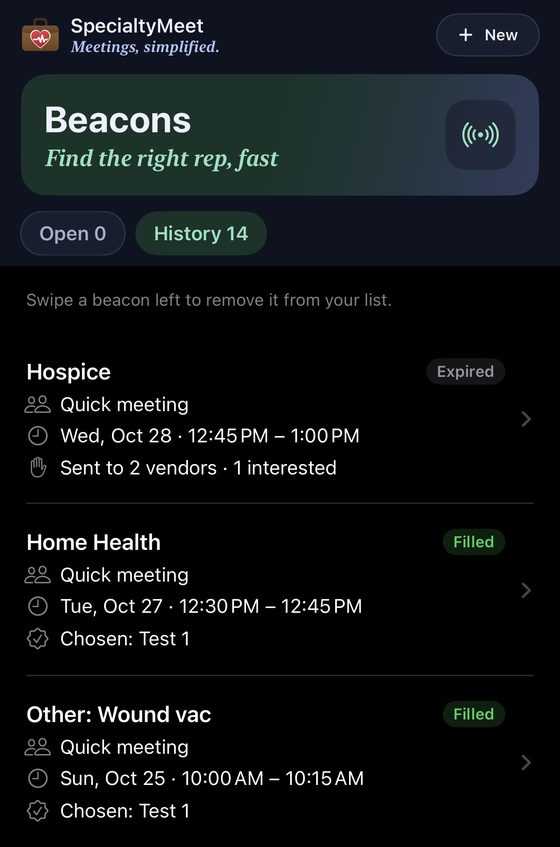
Need a specialty you don't have a rep for? Post a beacon. It goes to a few matching reps, they raise their hand, and you choose who comes in. Even an "Other" need, like wound vac supplies.

Beacons screen showing filled and expired beacons

You stay in control

Your practice, your rules

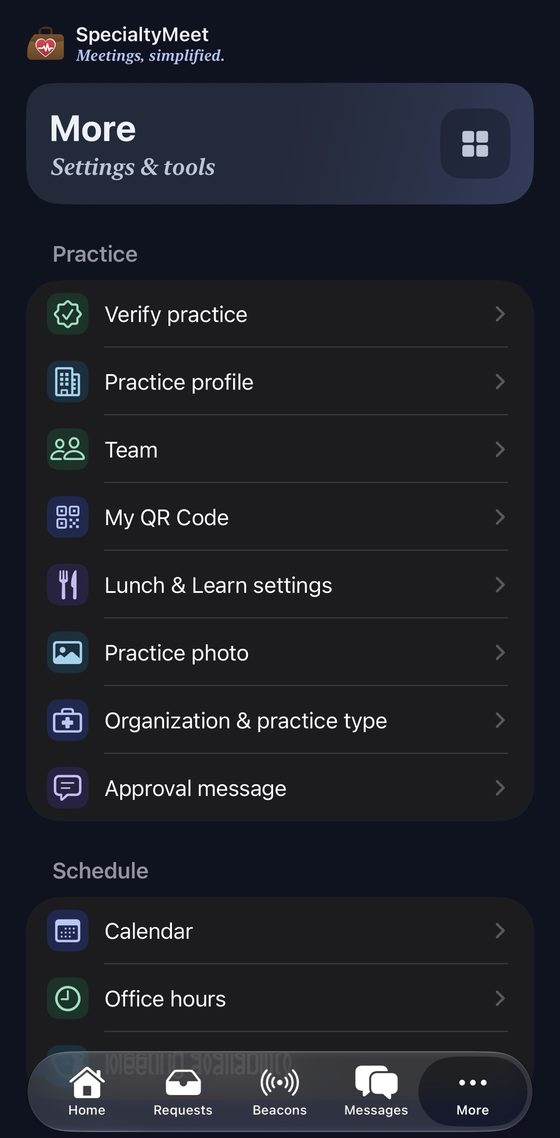
Practices decide everything: when they meet, how many requests each time can take, and who on the team can approve.

  • Verify your practice with its NPI for a ✓ Verified badge
  • Invite your team and give each person a job title
  • Office hours, meeting availability and an automatic approval message with arrival instructions
  • Reps can only request up to 3 weeks out
Practice settings: verify practice, team, QR code, office hours and more

No patient information

SpecialtyMeet is for scheduling and business communication only. Please never enter patient information anywhere in the app.

Get SpecialtyMeet

Available on iPhone (coming soon to the App Store) and on the web at specialtymeet.vercel.app.

Open the web app

Questions? Visit Support.